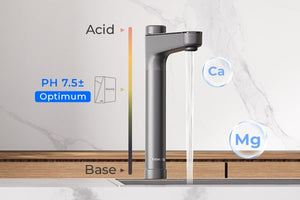
This service aims to provide convenience and savings for customers.

Save on every shipment
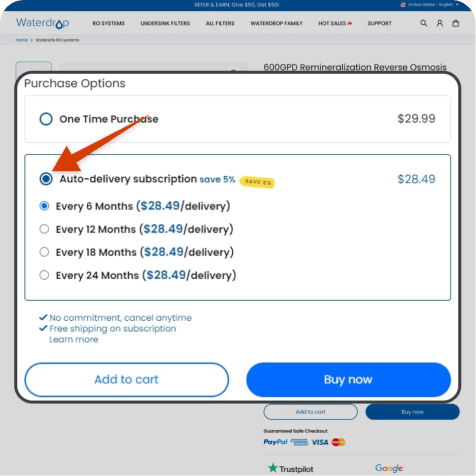
Enjoy savings on every shipment as you receive discounted pricing and benefit from FREE shipping on each replacement filter.
The correct filter, right on time
With our subscription service, you can rest assured that you'll always receive the correct filter at the right time. No more worrying about which filter to reorder - your subscribed filter will be delivered automatically according to the interval you specify.
You're in control
Take control of your filter replacement schedule by updating the frequency directly in your account. If needed, you can also cancel before your next renewal date to avoid any future charges.




RO Replacement Filters
Learn More.
Undersink Replacement Filters
Learn More.
Countertop Water Filters
Learn More.
Refrigerator Filters
Learn More.
Outdoor Water Filters
Learn More.
Whole House Water Filters
Learn More.Fast, Free Shipping
30-Day Worry-Free Returns
Lifetime Technical Support
24/7 Customer Support
Shop Now, Pay Later 0% APR


We are thrilled to have you on board and look forward to sharing exciting updates, exclusive offers, and valuable insights with you.